Website Design & Development
WordPress vs Webflow vs Next.js: The Complete Comparison
WordPress vs Webflow vs Next.js compared honestly: speed, SEO, cost, editing and scalability, plus how to pick the right platform for your business website.
 Tushar MondalCEO & Founder
- Published
- Reading time
- 8 min read
Listen · 8 min
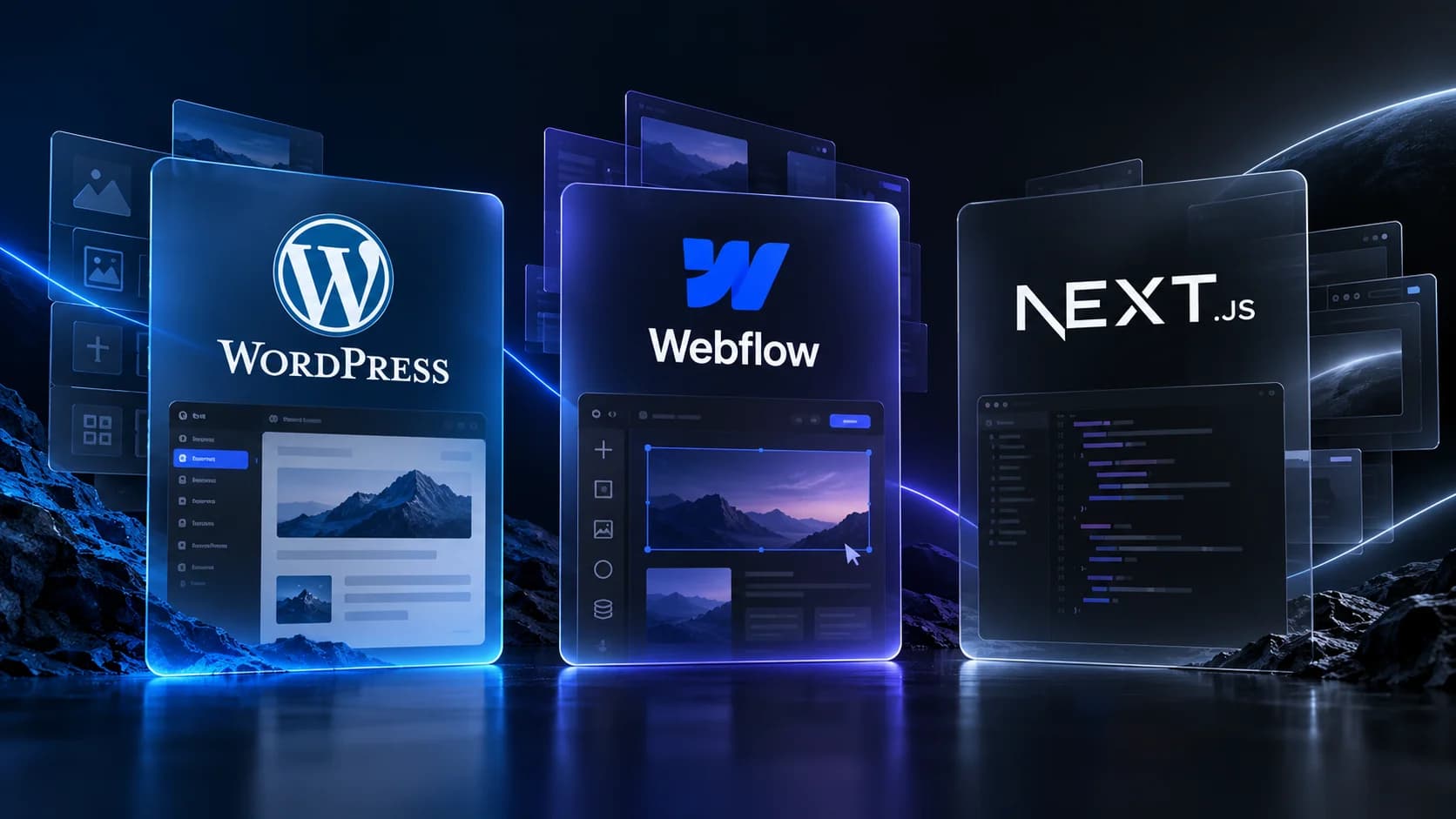
If you are planning a new business website, you have probably narrowed it down to three options: WordPress, Webflow or Next.js. Here is the short answer. WordPress suits content heavy sites on a tight budget, Webflow suits design led marketing sites that need quick edits, and Next.js suits businesses that want the fastest, most scalable site and are willing to invest in a proper build. The right choice depends on how you will update the site, how much performance matters to you and where the site needs to be in three years.
Below we compare all three on the things that actually decide the outcome: speed, SEO, editing, cost, security and growth. No platform loyalty here. Our in house team builds in Next.js, but we will tell you plainly when one of the other two is the smarter pick.
The 30 Second Summary
Before the detail, here is each platform in one paragraph.
WordPress is the veteran. It powers a huge share of the web, has a plugin for almost everything and a massive pool of developers. It is flexible and affordable to start, but performance, security and maintenance depend heavily on how well it is set up.
Webflow is a visual builder that produces clean sites without traditional coding. Designers get fine control, hosting is bundled and content edits are easy. The tradeoff is platform lock in, monthly costs that grow with your site and a ceiling on complex functionality.
Next.js is a React framework used to build custom, coded websites and web apps. It delivers the best performance and scalability of the three, but every change needs a developer unless a content management system is connected.
Speed and Performance
Page speed affects everything: bounce rate, ad performance, conversion rate and rankings. This is where the three platforms differ most.
Next.js
Next.js is built for speed. Pages can be pre rendered and served from a global content delivery network, images are optimized automatically and only the code each page needs gets loaded. A well built Next.js site routinely passes Google's Core Web Vitals checks without extra tuning. When we build sites in Next.js on Vercel, fast load times come standard rather than as an afterthought.
Webflow
Webflow sites are generally fast out of the box. Hosting runs on solid infrastructure and the visual builder outputs reasonably clean code. Performance can slip as pages get heavy with animations, large media and third party scripts, but for a typical marketing site, Webflow performs well.
WordPress
WordPress performance is a wildcard. A lean theme, good hosting and careful plugin choices can produce a fast site. In practice, many WordPress sites accumulate page builders, sliders and dozens of plugins, and slow down over time. Speed is achievable, but it takes ongoing discipline and often a developer's help.
Verdict: Next.js wins on raw performance, Webflow is reliably good, WordPress ranges from excellent to painful depending on setup.
SEO: How Easy Is It to Rank?
All three platforms can rank on Google. The difference is how much effort it takes.
Next.js gives Google clean, fully rendered pages that are easy to crawl, plus full control over metadata, structured data, sitemaps and URLs. Server side rendering means content is visible to search engines immediately, which is a real advantage over older JavaScript heavy approaches.
Webflow covers the SEO basics well: editable titles and descriptions, clean URLs, automatic sitemaps and fast hosting. For most small business sites, that is enough.
WordPress has mature SEO plugins like Yoast and Rank Math that make optimization approachable for non developers. The risk is technical debt: slow themes, plugin conflicts and bloated code can quietly hurt rankings.
If search traffic is a core growth channel, pair your platform choice with a real SEO strategy. The platform sets the ceiling; the strategy determines whether you reach it.
Editing and Day to Day Updates
A website you cannot update becomes a liability. Here is what everyday editing looks like on each platform.
WordPress
The WordPress editor is familiar to millions of people. Your team can publish blog posts, swap images and create pages without touching code. The downside is that the admin panel can feel cluttered, and page builders add their own learning curves.
Webflow
Webflow's Editor lets content teams change text and images directly on the page. It is genuinely friendly for non technical users. Structural changes, new page layouts and design tweaks still need someone comfortable in the Webflow Designer.
Next.js
A Next.js site on its own has no editing interface. That changes when you connect a headless content management system such as Sanity, Contentful or Strapi. Your team then edits text, images and blog posts in a clean dashboard, and the site updates automatically. This is exactly how we set up content managed sites for clients who want Next.js performance without calling a developer for every comma.
Verdict: WordPress is easiest out of the box, Webflow is close behind, and Next.js matches both once a CMS is connected, which should be part of the build scope.
Cost: Build, Hosting and Maintenance
Pricing depends on scope, so think in terms of cost shape rather than absolute numbers.
WordPress: Lowest entry cost. Themes and plugins are cheap or free, and hosting starts at a few dollars a month. Hidden costs arrive later: premium plugins, security fixes, performance work and developer time to untangle a messy build.
Webflow: No separate hosting bill since hosting is included, but site plans are billed monthly and rise with traffic and features. Building in Webflow is faster than custom code, so design and build costs sit in the middle.
Next.js: Highest upfront investment because the site is designed and coded properly, often in Figma first, then built. Ongoing costs are low: hosting on platforms like Vercel is inexpensive at typical business site traffic, and there are no plugin licenses or security patches to chase.
A cheap site that needs rebuilding in two years often costs more than a well built site that lasts five. Judge cost over the site's full life, not launch week.
Security and Maintenance
WordPress is the most attacked platform on the web simply because it is the most common. Core, theme and plugin updates are constant, and skipping them creates real risk. Someone has to own maintenance, every month.
Webflow handles security for you. Hosting, certificates and platform patches are managed, so there is very little to maintain. You trade control for peace of mind.
Next.js has no plugin ecosystem to exploit and no admin login exposed to the internet by default. The attack surface is small. Maintenance is mostly keeping dependencies current, which a developer handles periodically.
Scalability: Where Does Each Platform Run Out of Road?
This is the question businesses forget to ask. Your site today is a brochure. In two years it might need a customer portal, a booking system, a web app or deep integrations with your CRM.
WordPress scales through plugins, which works until it does not. Complex custom features often mean fighting the platform, and performance suffers as functionality grows.
Webflow has a real ceiling. Memberships, logic and integrations have improved, but if your roadmap includes application like features, you will eventually migrate off it.
Next.js has no practical ceiling. The same codebase that powers a five page business site can grow into a full web application, customer dashboard or ecommerce experience. That is why we build with it: a simple site today does not force a rebuild tomorrow. If your plans include a web app or custom platform, starting in Next.js saves you an entire migration.
Which One Should You Choose?
Use this checklist to match the platform to your situation.
Choose WordPress if:
You are publishing large volumes of content, like a news or magazine site
Budget is the primary constraint and you accept maintenance overhead
You already have WordPress skills in house
Choose Webflow if:
You need a polished marketing site launched quickly
Your team wants to edit pages visually without developers
The site will stay a marketing site, with no app like features on the roadmap
Choose Next.js if:
Speed and Core Web Vitals performance genuinely matter to your funnel
SEO is a core acquisition channel
You want a CMS so your team can edit content safely
You may add a portal, web app or custom features later
You would rather invest once in a proper build than rebuild in two years
Why We Build in Next.js
We are upfront about this: our in house team designs in Figma and builds in Next.js with TypeScript and Tailwind CSS, deployed on Vercel. We chose this stack because it removes the most common regrets we see businesses carry from previous websites: slow pages, plugin breakage, failed updates and sites that could not grow.
The same team designs and builds your site, so what you approve in Figma is what goes live. We connect a content management system so your team edits text, images and blog posts without touching code. And because the site is custom built, it is laid out around one goal: turning visitors into enquiries, not just looking good in a portfolio.
That said, if your project genuinely fits WordPress or Webflow better, a good agency should tell you. The platform matters less than the fit.
Common Questions
Is Next.js overkill for a small business website?
Not if performance, SEO and future growth matter to you. The build takes more upfront thought than a template site, but a small Next.js site is fast, cheap to host and easy to extend. It is overkill only if you need to edit the site yourself from day one with no CMS budget at all.
Can I move from WordPress or Webflow to Next.js later?
Yes. Content can be migrated into a headless CMS and the design rebuilt in Next.js. It is a real project, not an afternoon job, which is why choosing the right platform now saves money.
Which platform is best for ecommerce?
For a serious store, dedicated ecommerce builds usually win. WordPress has WooCommerce, and Next.js pairs well with headless commerce platforms for custom storefronts. If ecommerce is your focus, look at a purpose built ecommerce development approach rather than forcing a general platform to do the job.
Do I own my Next.js site?
Yes. You own the code, the content and the hosting account. There is no platform lock in, which is a meaningful difference from Webflow, where the site lives on Webflow's infrastructure.
Know someone who should read this?