Video Editing
How to brief a video editor so you get the edit you want
A simple brief that gets the edit right the first time: goals, platform, length, references, footage, captions and feedback that editors can act on.
 Tushar MondalCEO & Founder
- Published
- Reading time
- 6 min read
Listen · 6 min
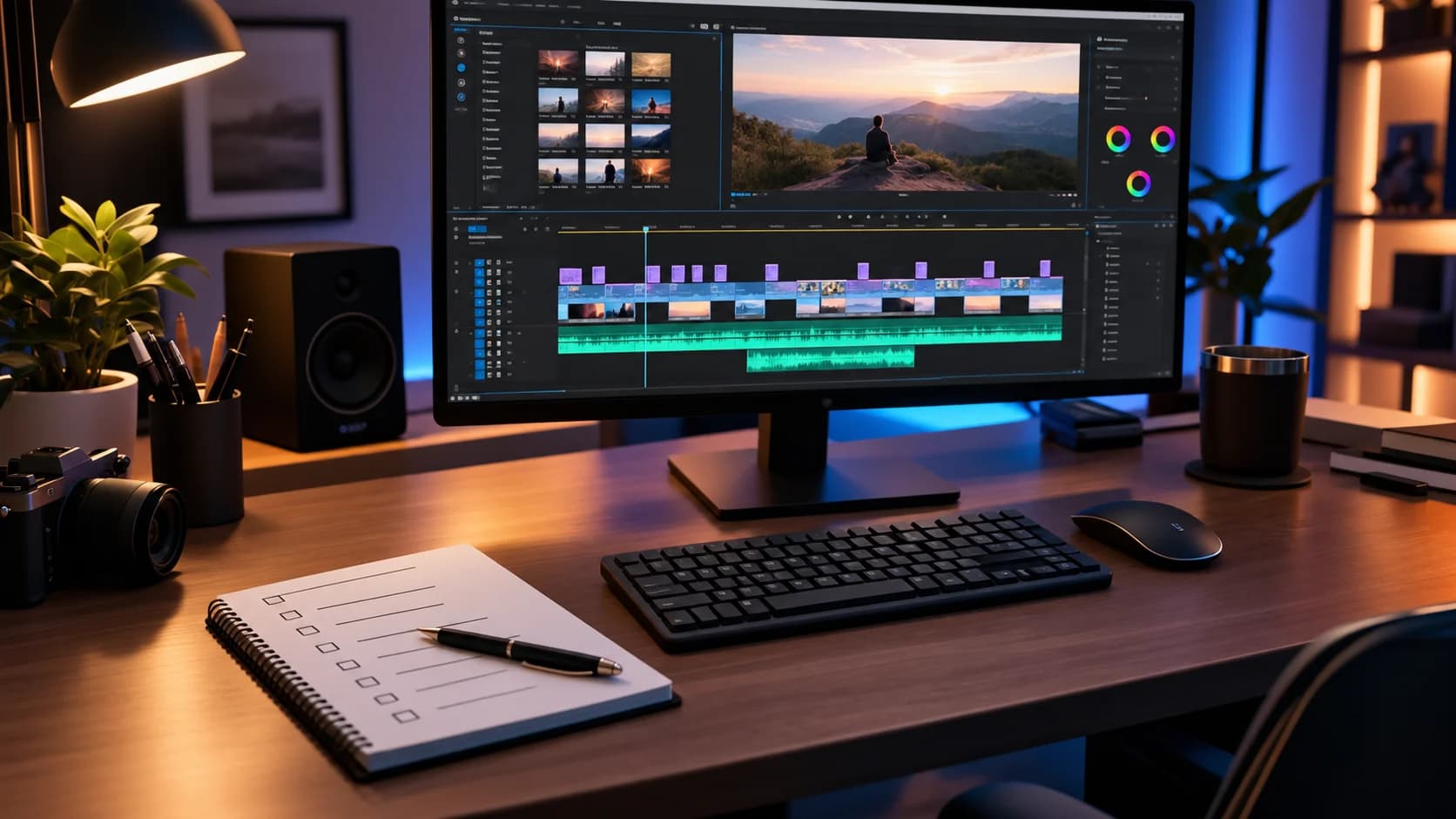
Most disappointing video edits are not caused by bad editors. They are caused by missing information. The editor guesses the goal, the style and the length, and the first cut comes back feeling wrong. A clear brief fixes that. This guide gives you a simple structure you can reuse for every video, whether it is a fifteen second Reel or a ten minute YouTube video.
Why video briefs go wrong
Video editing involves hundreds of small creative decisions: which take to use, how fast to cut, what music fits, where the text appears. Without direction, an editor makes those decisions using their own taste. If their taste does not match yours, you end up in several rounds of changes that could have been avoided with ten minutes of preparation.
The one page video brief
Answer these points for every video. Short answers are fine; clarity matters more than length.
1. The goal
What should a viewer think, feel or do after watching? Follow your account, visit a product page, book a call, or simply remember your brand? One clear goal shapes every decision in the edit.
2. Platform and format
Say exactly where the video will be posted. A vertical 9:16 Reel, a square feed post and a horizontal YouTube video are cut differently. If one edit needs several versions, list them all up front.
3. Length
Give a target length. For short form video, the first two seconds decide whether anyone keeps watching, so tell the editor which moment you think is strongest and should open the video.
4. Audience
Who is watching? A video for busy business owners should feel different from one for young shoppers. A sentence about your viewer helps the editor pick the right pace, music and tone.
5. References
Share two or three videos you love, from any brand, and say what you like about each: the pacing, the captions, the color, the transitions. References are the fastest way to communicate style.
6. Footage and assets
Organize files before you send them. Name clips clearly, mark your favorite takes, and include your logo, brand colors, fonts and any product shots or B roll. A shared folder with everything in one place saves hours.
7. Music and sound
Say whether you want trending audio, licensed music, voiceover or no music at all. If the video will run as an ad, music must be properly licensed, so mention that early.
8. Text and captions
Most people watch with the sound off, so captions matter. Provide any on screen text word for word, and say whether you want full captions, highlighted keywords, or both.
9. The call to action
Tell the editor how the video should end: a line of text, a spoken prompt, your website, or a pinned comment. Every video should point the viewer somewhere.
10. Deadline and approvals
Give the date you need the final file and name the person who approves it. Fewer approvers means faster, cleaner edits.
Common edit styles and when to use them
Naming the style you want saves a lot of explaining. These are the formats most businesses use:
Talking head edits keep one person speaking to camera, tightened with jump cuts, captions and the occasional cutaway. Great for expertise and trust.
Product demos show the product in use with close ups, text callouts and a clear benefit in the first seconds.
Customer stories combine interview clips with footage of the customer, and work well as ads and on sales pages.
Creator style videos look like they were filmed on a phone by a real person, which often feels more native on social platforms.
Explainers mix voiceover, simple graphics and screen recordings to make something complicated easy to follow.
Mistakes that slow every edit down
Sending footage in several batches over several days, so the editor restarts the cut each time.
Leaving out the final text, logo or product name spelling.
Changing the goal of the video after the first draft.
Collecting feedback from five people who disagree with each other.
Asking for "something viral" instead of describing the audience and the action you want.
Each of these adds a round of changes. Avoiding them is the quickest way to faster turnaround and lower costs.
Freelance editor or agency?
A freelance editor is a good fit for occasional projects with a clear style. An agency makes sense when you need a steady volume of edits across several platforms, want someone to plan hooks and formats with you, or need cover when an editor is busy. Whichever you choose, the same brief works for both.
How to give feedback an editor can act on
Feedback like "make it more exciting" is hard to act on. Specific, time stamped notes are easy:
"At 0:04, cut straight to the product shot."
"The music is too slow for the first half; try something with more energy."
"Keep the captions but make them larger and use our brand yellow."
"Remove the section from 0:21 to 0:27; it repeats the earlier point."
Collect everyone's comments into one list before you send them, so the editor is not juggling conflicting notes from different people.
A quick brief template you can copy
Paste this into an email or a shared document and fill in each line. It takes about ten minutes and saves hours of revisions.
Video name and deadline:
Goal: what the viewer should do or remember.
Platform and format: for example Instagram Reel, vertical 9:16.
Target length:
Audience: one sentence about who is watching.
Opening moment: the clip or line that should come first.
References: links, with what you like about each.
Music and sound: trending audio, licensed track, voiceover or none.
On screen text and captions: exact wording and style.
Call to action: how the video ends.
Approver: the one person who signs off the final cut.
Plan for rounds, not perfection
Agree how many rounds of changes are included before the project starts. Two rounds is common. The first round fixes structure and story; the second polishes details. If you brief well, many edits are approved after the first round.
If you need extra rounds, it usually means the goal or audience changed after editing began. When that happens, update the brief first, then ask for the new cut. It keeps everyone working from the same source of truth and stops old notes from creeping back into the edit.
Filming tips that make editing easier
Record a few extra seconds before and after each take so the editor has room to cut.
Film vertical if the video is mainly for Reels, TikTok or Shorts.
Use a simple microphone; clear audio matters more than a perfect picture.
Shoot plenty of close ups and cutaways to cover jump cuts.
Say the key line more than once, in slightly different ways, so the editor can choose the best delivery.
Turn one shoot into weeks of content
A good brief also helps you get more from your footage. Ask your editor to plan cut downs from the start: a long YouTube video can become several Shorts, Reels and TikToks, each with its own hook. That turns one day of filming into weeks of posts.
See how we handle this in our video editing service, or pair it with social media marketing so every edit has a publishing plan behind it.
Know someone who should read this?
Written by
Tushar Mondal
CEO & Founder
Web and mobile app developer for Android and iOS.
More from Tushar →
Related service
Video Editing
Short form content that performs
See how we help →
See it in action
Game day social content for Oklahoma City Spark
7 Supplied assets. Social media content creation and video editing for an AUSL softball team.
Read the Oklahoma City Spark (AUSL) case study →