Video Editing
CapCut vs Adobe Premiere Pro: Pros and Cons for Video Editing
CapCut vs Adobe Premiere Pro compared honestly: cost, learning curve, speed, and output quality, so you can pick the right editor for your business videos.
 Tushar MondalCEO & Founder
- Published
- Reading time
- 7 min read
Listen · 7 min
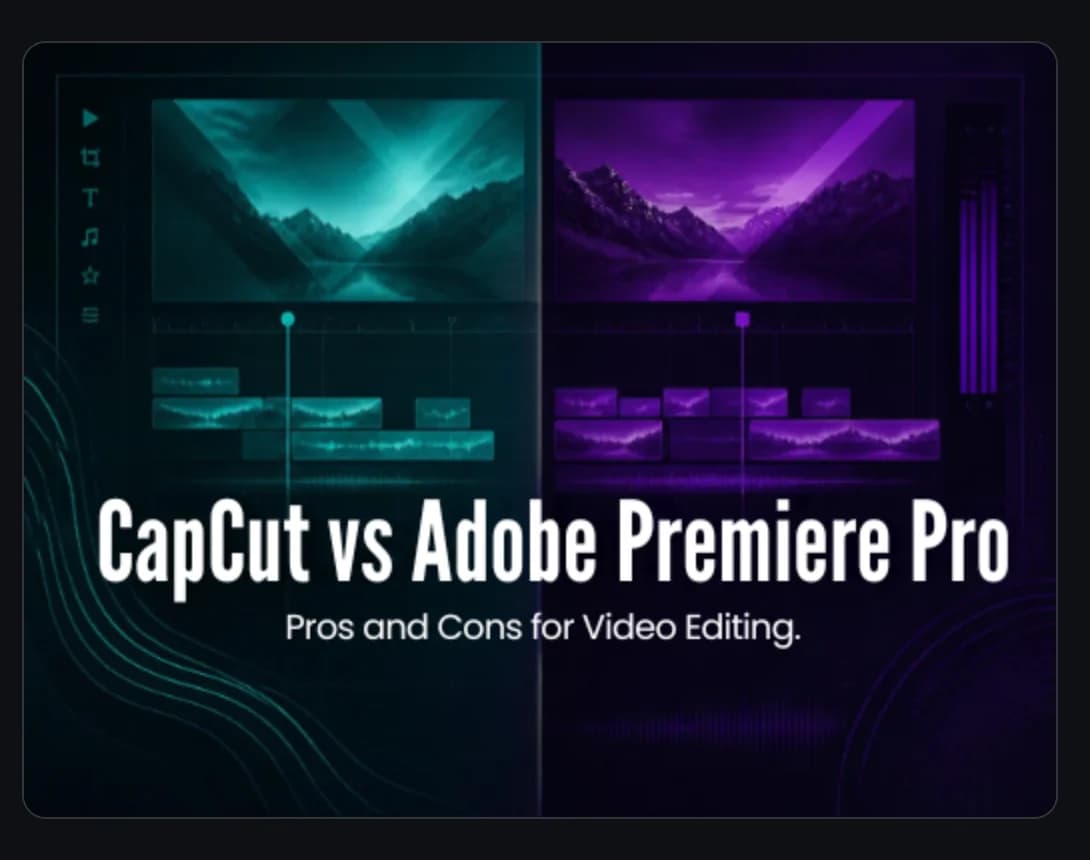
CapCut is the better choice if you need quick, simple short form videos and you are editing yourself. Adobe Premiere Pro is the better choice if you need polished, professional output at scale, complex edits, or a consistent brand look across dozens of videos a month. Neither tool is universally better. The right one depends on who is editing, how often, and what the video needs to achieve.
This comparison matters more than it used to. Short form video is now a core marketing channel, not a side experiment. Businesses are publishing Reels, Shorts, and TikToks weekly, sometimes daily. The editing tool you choose affects your speed, your quality ceiling, and ultimately whether your videos hold attention past the first three seconds.
Let us break down both tools honestly, including where each one falls short.
What CapCut Does Well
CapCut is a free video editing app made by ByteDance, the company behind TikTok. It was built for short form content, and it shows. The interface is simple, the templates are plentiful, and you can go from raw clip to posted video in under an hour.
Strengths of CapCut
Free to start. The base version costs nothing. For a business testing short form video for the first time, this removes the financial barrier completely.
Fast learning curve. Most people can figure out CapCut in an afternoon. The drag and drop interface, auto captions, and preset templates are designed for non editors.
Auto captions built in. Since most short form video is watched on mute, captions are not optional. CapCut generates them automatically and lets you style them with a few taps.
Trending templates and sounds. CapCut surfaces trending formats and audio directly in the app, which makes it easy to jump on trends quickly.
Mobile first. You can edit on your phone, which means you can film and publish from the same device without transferring files.
Where CapCut Falls Short
Limited fine control. Color grading, audio mixing, and multi layer compositing are basic compared to professional tools. If you need precise control over how your video looks and sounds, you will hit the ceiling fast.
Desktop version is weaker. CapCut started as a mobile app. The desktop version works but lacks the depth and stability of professional desktop editors.
Branding limitations. Custom fonts, brand color presets, and reusable branded templates are harder to manage. If you are producing 20 or 30 videos a month under one brand, maintaining visual consistency gets tedious.
Export quality caps. The free tier has export resolution limits. For most social platforms this is fine, but for paid ads or high quality promotional content, it can be a constraint.
Data privacy questions. Because CapCut is owned by ByteDance, some businesses have concerns about uploading raw footage and internal content to the platform. This is worth considering based on your industry and content sensitivity.
What Adobe Premiere Pro Does Well
Premiere Pro is the industry standard for professional video editing. It has been around for decades and is used by everyone from freelance editors to major production studios. It is part of Adobe Creative Cloud, which means it connects directly with After Effects, Photoshop, and Audition.
Strengths of Premiere Pro
Complete creative control. Every aspect of the edit, from frame level cuts to advanced color grading with Lumetri Color, is under your control. Nothing is simplified or hidden.
Professional audio tools. You can mix dialogue, music, and sound effects on separate tracks with precision. The Essential Sound panel makes it straightforward even for editors who are not audio specialists.
After Effects integration. If your videos need motion graphics, animated text, lower thirds, or logo animations, After Effects connects directly with Premiere Pro. You can send clips back and forth without exporting.
Scales with volume. When you are editing 30 or 50 videos a month, Premiere Pro handles it. Project organization, nested sequences, adjustment layers, and keyboard shortcuts all make high volume editing faster over time.
Consistent brand systems. You can build template projects with your brand fonts, colors, intro animations, and caption styles locked in. Every video that comes out looks like it belongs to the same brand.
Plugin ecosystem. Thousands of third party plugins extend what Premiere Pro can do, from advanced transitions to AI powered tools.
Where Premiere Pro Falls Short
Subscription cost. Premiere Pro requires an Adobe Creative Cloud subscription. For a solo business owner editing occasionally, this cost is hard to justify.
Steep learning curve. This is not a tool you master in a weekend. Getting genuinely good at Premiere Pro takes months of regular use. The interface assumes you already understand editing concepts.
Overkill for simple content. If all you need is a 30 second Reel with captions and music, Premiere Pro is like using a commercial kitchen to make toast. The setup time alone slows you down.
Requires a capable computer. Premiere Pro is demanding on hardware. You need a machine with a strong processor, enough RAM, and a decent graphics card. On an older laptop, playback stutters and exports take forever.
No built in trend discovery. Unlike CapCut, Premiere Pro does not tell you what is trending. You need to bring your own creative direction.
Side by Side: The Key Differences
Here is a direct comparison across the factors that matter most for business video content.
| Factor | CapCut | Premiere Pro | |---|---|---| | Cost | Free (paid tier available) | Monthly subscription | | Learning curve | Hours | Weeks to months | | Best for | Quick short form clips | Professional, high volume output | | Auto captions | Yes, built in | Yes, but less streamlined | | Color grading | Basic filters | Full Lumetri Color suite | | Motion graphics | Limited presets | Full After Effects integration | | Brand consistency | Manual, harder to maintain | Template projects, locked styles | | Mobile editing | Excellent | Not available | | Collaboration | Limited | Team projects, shared workflows | | Hardware needs | Any modern phone or laptop | Powerful desktop or laptop |
Which One Should Your Business Use?
The answer depends on three questions.
Who Is Doing the Editing?
If you or someone on your team is editing videos alongside other responsibilities, CapCut is the practical choice. It does not require training, and the templates do a lot of the creative heavy lifting.
If you have a dedicated editor, or you are working with an agency, Premiere Pro is the better tool. A skilled editor in Premiere Pro will always produce better output than the same person constrained by CapCut.
How Many Videos Are You Producing?
For one to five videos a month, CapCut is fine. The time savings from its simplicity outweigh the quality trade offs at low volume.
For 10 or more videos a month, the equation flips. At that volume, you need reusable templates, consistent branding, efficient workflows, and the ability to batch edit. Premiere Pro handles all of this better.
What Are the Videos For?
Organic social content where speed and trend responsiveness matter more than polish? CapCut works.
Paid ads, promotional videos, brand content, or anything that represents your business in a high stakes context? Premiere Pro gives you the control to make it look right.
The Honest Answer for Most Growing Businesses
Most businesses that are serious about short form video end up needing both. CapCut for quick, reactive, trend based content. Premiere Pro for the polished, branded, evergreen content that builds trust and drives conversions.
But here is the part most comparison articles skip. The tool is not the bottleneck. The editing skill is. A great editor with CapCut will outperform a beginner with Premiere Pro every time. And a professional editor with Premiere Pro, After Effects, and a clear understanding of what makes people stop scrolling will produce videos that neither tool could deliver on its own.
This is why many businesses reach a point where editing in house stops making sense. Not because they cannot afford the software, but because the time, skill, and consistency required to produce scroll stopping short form video every single week is a full time job on its own.
At Perfection International, our video editing team works in Premiere Pro, After Effects, CapCut, and DaVinci Resolve depending on what the project needs. We handle everything from cutting and captions to motion graphics and hooks, so your videos are ready to post and built to perform.
If you are spending more time editing than running your business, let us talk.
Know someone who should read this?
Written by
Tushar Mondal
CEO & Founder
Web and mobile app developer for Android and iOS.
More from Tushar →
Related service
Video Editing
Short form content that performs
See how we help →
See it in action
Game day social content for Oklahoma City Spark
7 Supplied assets. Social media content creation and video editing for an AUSL softball team.
Read the Oklahoma City Spark (AUSL) case study →