Video Editing
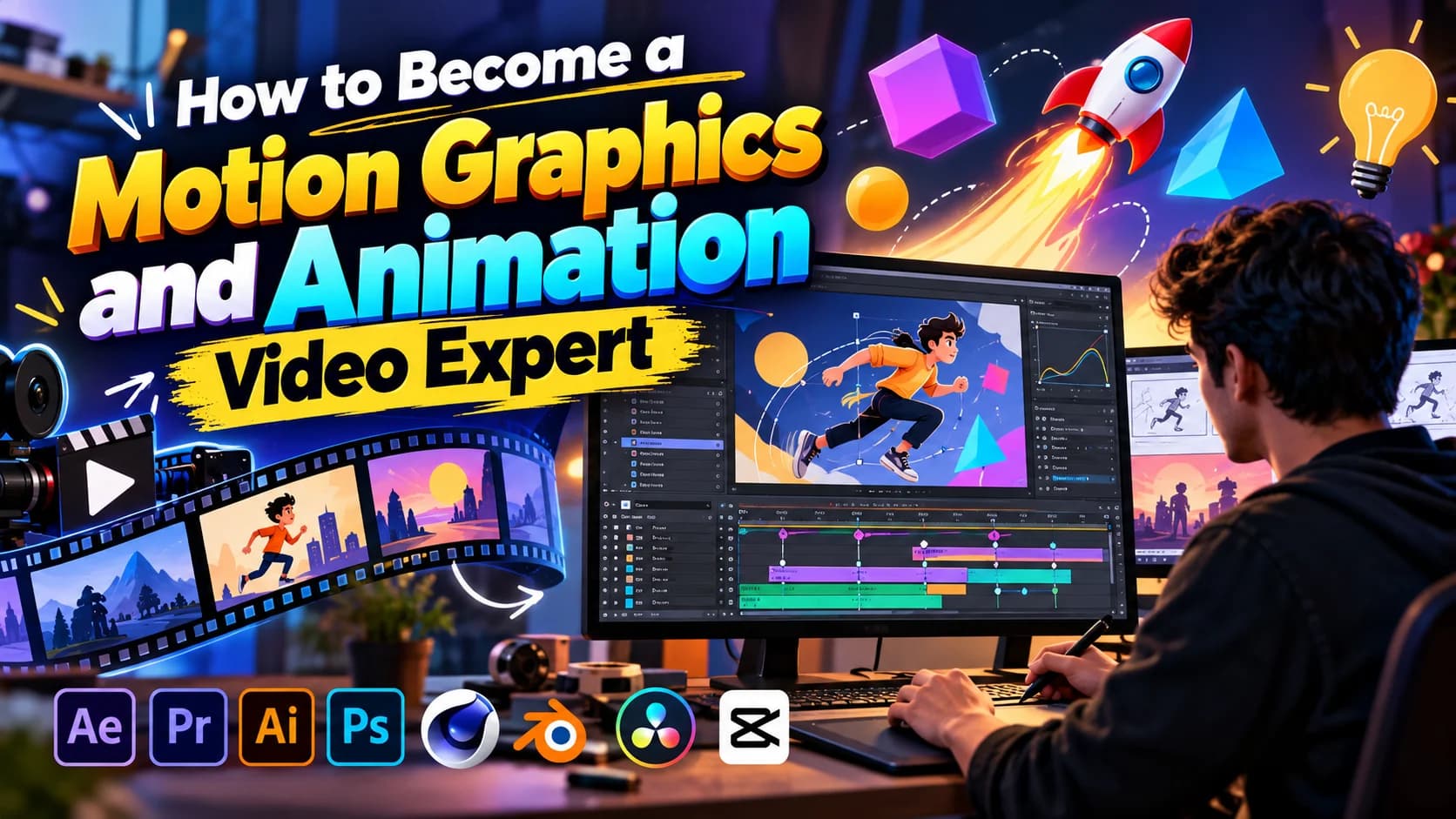
How to Become a Motion Graphics and Animation Video Expert
Learn the skills, tools, and workflow needed to become a motion graphics and animation video expert, from design basics to client-ready short form content.
 Tushar MondalCEO & Founder
- Published
- Reading time
- 8 min read
Listen · 8 min
To become a motion graphics and animation video expert, you need three things working together: strong design fundamentals, practical command of editing and animation tools, and a clear understanding of how people actually watch video online. Talent helps, but expertise comes from repetition, feedback, and learning how to make visuals that hold attention and communicate fast.
That matters even more today because motion graphics are no longer limited to big brand films or TV ads. They show up in Instagram Reels, YouTube Shorts, product promos, paid ads, website banners, app explainers, and social campaigns. Businesses want videos that look polished, feel current, and get the message across in seconds.
If you want to build real expertise in this field, the path is not random. There is a smart order to learning it.
Start with design fundamentals before software
A lot of beginners jump straight into After Effects or Premiere Pro and get stuck. The problem is usually not the software. It is the lack of design basics.
Motion graphics is still graphic design, just with movement, timing, and sound added. If you do not understand layout, typography, color, spacing, and visual hierarchy, your animations will look messy even if the keyframes are technically correct.
Focus on these fundamentals first:
Typography: how to choose fonts, size text for mobile screens, and create readable hierarchy
Color: how to build palettes that fit a brand and create contrast
Composition: where the eye goes first, second, and third
Timing: how long a viewer needs to read and absorb each visual
Brand consistency: how to make every frame feel like it belongs to the same business
A good motion designer knows how to make one frame look strong before trying to animate twenty of them.
Learn the tools in the right order
You do not need to master every editing app at once. You do need to become dependable in the tools professionals actually use.
For most motion graphics and animation work, a practical tool stack looks like this:
Adobe After Effects for animation, kinetic typography, logo animation, and visual effects
Adobe Premiere Pro for editing full videos, assembling sequences, and finishing social content
CapCut for fast short form edits, caption workflows, and platform native styles
DaVinci Resolve for editing and color correction, especially when footage needs cleanup
Start with one editing tool and one animation tool. For many people, that means Premiere Pro first, then After Effects. Once you understand cuts, pacing, layers, and exports, animation becomes much easier to learn because you already know how videos are structured.
The goal is not to collect software. The goal is to be able to take a raw idea and turn it into a finished video without getting stuck.
Study short form video as its own format
A common mistake is trying to learn motion graphics through long, cinematic examples only. That can help, but most commercial demand today is in short form content.
Reels, Shorts, TikToks, Facebook videos, and ad creatives follow different rules. People decide very quickly whether to keep watching. That means your animation choices need to support speed and clarity.
In short form motion graphics, expertise often shows up in small decisions:
Can the viewer understand the point in the first 1 to 3 seconds?
Are captions readable on a phone screen?
Does the movement guide attention, or distract from the message?
Is the branding visible without slowing the video down?
Does the ending push the viewer toward the next action?
This is why strong motion designers are not just animators. They are visual editors. They know how to shape attention.
If you want a useful benchmark, study high performing business content and ask what the motion is doing. Is it highlighting a product benefit? Is it making a price easier to notice? Is it creating pattern interrupt so people stop scrolling? Good animation always has a job.
Build a workflow, not just random skills
Experts are not only better at design. They are better at process.
A reliable workflow helps you deliver consistent quality, especially when you are editing multiple videos every week. This matters a lot if you want to work with brands, agencies, or content teams.
A simple professional workflow looks like this:
Understand the goal of the video
Review the script, voiceover, or raw footage
Choose the format and platform
Plan the hook and visual structure
Create or select design assets
Animate the key scenes
Add captions, sound, music, and transitions
Check pacing, readability, and branding
Export in the right size and length
Review performance and improve the next version
This kind of process separates hobbyists from professionals. Clients do not just pay for animation. They pay for fewer revisions, faster decisions, and content that is ready to publish.
Practice the types of projects businesses actually need
If your goal is to become an expert people want to hire, practice commercial work, not just personal art.
The most useful project types to learn include:
Instagram Reels with animated captions and branded graphics
YouTube Shorts built around a strong hook and fast visual pacing
TikTok edits with native style text and quick transitions
Facebook video ads with product highlights and call to action screens
Promotional videos for launches, offers, and events
Logo animations and branded intros
Motion graphic explainers for services, apps, and features
These projects teach different skills. A promo teaches sales messaging. A Short teaches retention. An ad teaches clarity under pressure. A logo animation teaches restraint and polish.
If you are building a portfolio, create spec work for imaginary brands in different industries. Make one ecommerce ad, one local business promo, one app explainer, and one event teaser. This shows range and makes your skills easier for clients to understand.
Learn how to write for motion
Many videos fail because the script was never designed for animation. Motion graphics work best when the message is broken into visual beats.
That means learning how to think in short lines, not long paragraphs. A strong motion graphic script usually has one idea per scene. Each line should be easy to show, not just easy to say.
For example, instead of writing:
Our platform helps businesses manage leads, automate follow ups, and improve conversions with less manual effort.
Break it into motion friendly beats:
Capture every lead
Follow up automatically
Save manual work
Turn interest into sales
Now the animator has something to work with. Text can appear in sync. Icons can support each idea. The viewer can follow the message without effort.
This is a major part of expertise. Great motion designers often improve the script before they touch the timeline.
Understand sound, captions, and silence
Motion graphics do not live in silence, but many viewers watch without sound. That creates an interesting challenge: your video needs to work both ways.
Captions are standard for short form content because a large share of viewers scroll with audio off. At the same time, music, sound effects, and voiceover still shape the experience for people who do listen.
An expert learns how to balance both.
That means:
Using captions that are easy to read on mobile
Timing text to match speech or visual changes
Choosing music that supports the pace instead of fighting it
Adding subtle sound effects only when they improve clarity or energy
Making sure the video still makes sense on mute
This is especially important for reels, shorts, and ads where the viewer may give you only a few seconds.
Get feedback from performance, not just opinions
One of the fastest ways to become an expert is to stop judging your work only by whether it looks good.
In business content, performance matters. A video can be beautiful and still fail. Another can look simple and outperform because the message is clearer.
Pay attention to:
Watch time
Rewatches
Drop off points
Shares and saves
Click throughs on ads
Conversion actions after the video
You do not need to become a media buyer, but you should understand how creative affects results. If people drop off in the first two seconds, your hook may be weak. If they watch but do not act, your call to action may be unclear. If they engage but do not understand the product, your visuals may be too decorative.
Experts learn from outcomes.
Build a portfolio that shows thinking, not just style
A strong portfolio does more than prove you can animate. It shows that you understand business communication.
For each project, include:
The goal of the video
The platform it was made for
The problem you were solving visually
A short note on your creative choices
The final video in the correct format
This helps clients and employers see your judgment, not just your effects. It also makes your work easier to trust.
If possible, show before and after examples. Raw clip to finished video. Static design to animated version. Script to final cut. These comparisons make your value obvious.
Keep improving by studying real brand work
Motion graphics trends change fast, but the core principles stay stable. Clear message. Strong pacing. Readable design. Platform fit.
To keep growing, study brand content across industries. Look at ecommerce ads, SaaS explainers, restaurant promos, real estate reels, coach-led content, and product launch videos. Each category uses motion differently.
Ask yourself:
What made me stop scrolling?
What did the text do in the first frame?
How did the brand show the product without slowing down?
What was animated, and what was left static?
Would this still work without sound?
That kind of observation sharpens your eye faster than tutorials alone.
Final thought
Becoming a motion graphics and animation video expert is not about learning every effect or making every frame flashy. It is about learning how to communicate clearly through movement. When you combine design fundamentals, tool fluency, short form strategy, and a repeatable workflow, your work becomes useful to real businesses.
That is what makes expertise valuable. Not just motion for the sake of motion, but motion that helps a brand get seen, understood, and remembered.
Know someone who should read this?
Written by
Tushar Mondal
CEO & Founder
Web and mobile app developer for Android and iOS.
More from Tushar →
Related service
Video Editing
Short form content that performs
See how we help →
See it in action
Game day social content for Oklahoma City Spark
7 Supplied assets. Social media content creation and video editing for an AUSL softball team.
Read the Oklahoma City Spark (AUSL) case study →